
pymead.tutorials.curvature_comb_plotting#
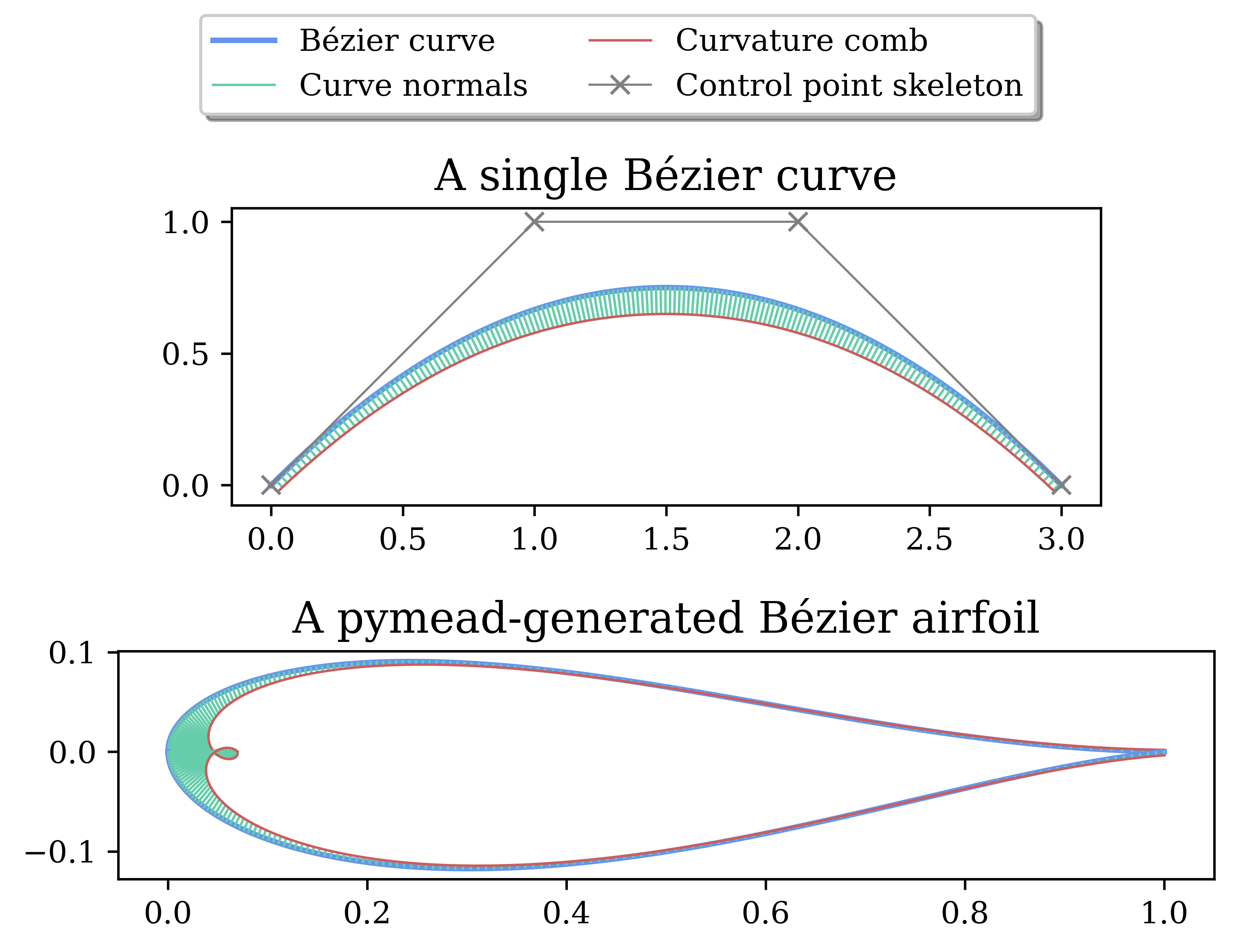
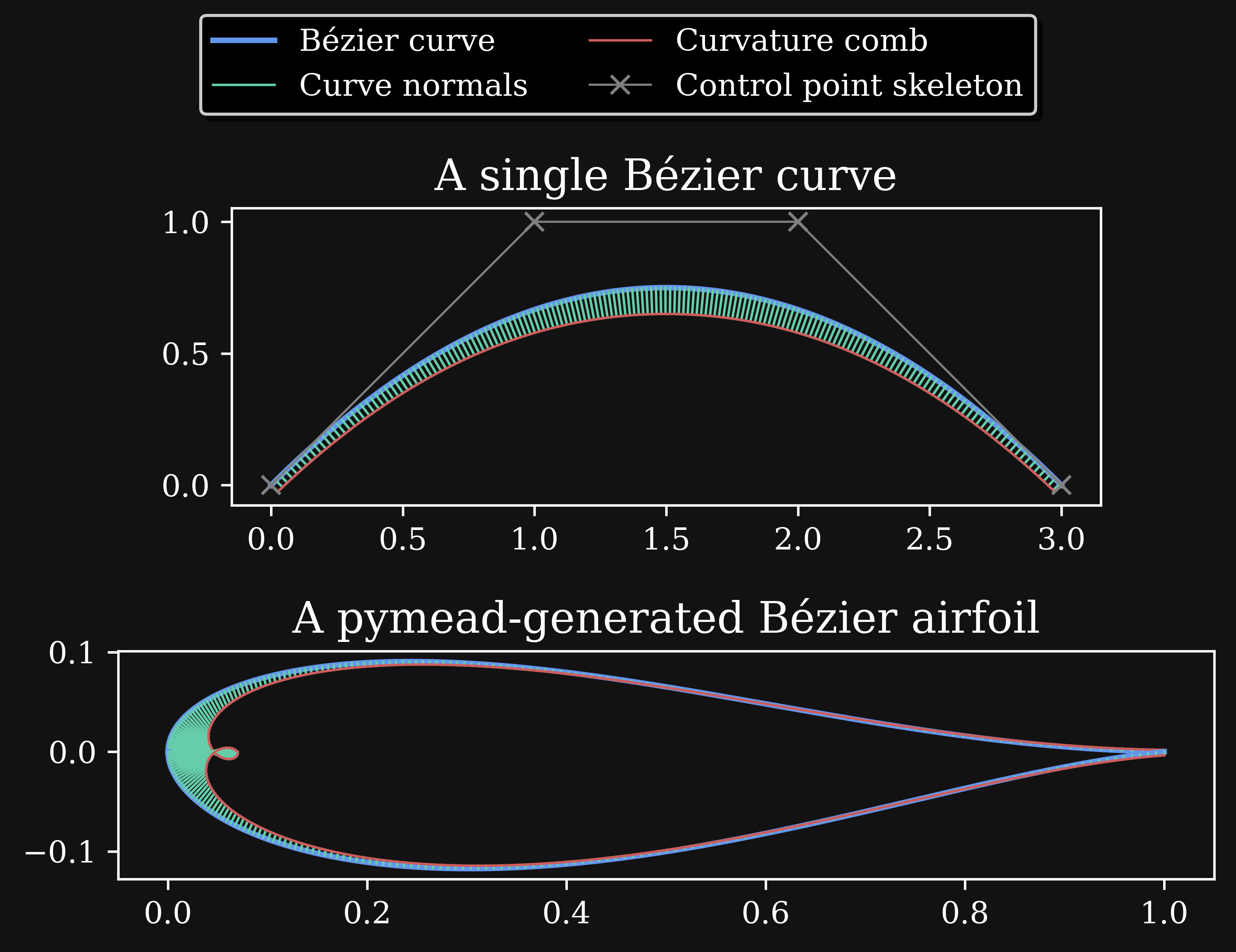
Examples of plotting curvature combs for Bézier curves and airfoils. See the code below or by
clicking on main under “Functions” at the bottom and then clicking [source] next to the main function.
import numpy as np
from matplotlib.lines import Line2D
from matplotlib.pyplot import subplots, show, rcParams

from pymead.core.bezier import Bezier
from pymead.core.geometry_collection import GeometryCollection
from pymead.core.point import PointSequence


def main():
    # Some plot settings:
    rcParams["font.family"] = "serif"
    curve_props = dict(color="cornflowerblue", lw=1.8)
    normal_props = dict(color="mediumaquamarine", lw=0.8)
    comb_props = dict(color="indianred", lw=0.8)
    skeleton_props = dict(color="gray", lw=0.7, marker="x", mec="grey", mfc="grey")
    title_props = dict(size=14)
    fig, axs = subplots(2, 1)

    # Plot the curvature comb for a single Bézier curve on the first subplot:
    C = Bezier(PointSequence.generate_from_array(np.array(
        [[0.0, 0.0], [1.0, 1.0], [2.0, 1.0], [3.0, 0.0]])),
        default_nt=500
    )
    P = C.get_control_point_array()
    curve_data = C.evaluate()
    scale_factor = 0.1 / np.max(abs(curve_data.k))
    comb_tails, comb_heads = curve_data.get_curvature_comb(max_k_normalized_scale_factor=scale_factor, interval=3)
    for comb_tail, comb_head in zip(comb_tails, comb_heads):
        axs[0].plot([comb_tail[0], comb_head[0]], [comb_tail[1], comb_head[1]], **normal_props)  # Plot the normals
    curve_data.plot(axs[0], **curve_props)  # Plot the curve
    axs[0].plot(comb_heads[:, 0], comb_heads[:, 1], **comb_props)  # Plot the curvature comb curve
    axs[0].plot(P[:, 0], P[:, 1], **skeleton_props)  # Plot the control point skeleton
    axs[0].set_title("A single Bézier curve", **title_props)

    # Create an airfoil and plot the curvature comb for all the airfoil curves on the second subplot:
    geo_col = GeometryCollection.load_example("basic_airfoil_sharp")
    airfoil = geo_col.container()["airfoils"]["Airfoil-1"]
    for curve in airfoil.curves:
        curve_data = curve.evaluate()
        comb_tails, comb_heads = curve_data.get_curvature_comb(max_k_normalized_scale_factor=0.0005)
        for comb_tail, comb_head in zip(comb_tails, comb_heads):
            axs[1].plot([comb_tail[0], comb_head[0]], [comb_tail[1], comb_head[1]], **normal_props)  # Plot the normals
        curve_data.plot(axs[1], **curve_props)  # Plot the curve
        axs[1].plot(comb_heads[:, 0], comb_heads[:, 1], **comb_props)  # Plot the curvature comb curve
    for ax in axs:
        ax.set_aspect("equal")
    axs[1].set_title("A pymead-generated Bézier airfoil", **title_props)

    # Create a legend on top:
    labels = ["Bézier curve", "Curve normals", "Curvature comb", "Control point skeleton"]
    prop_list = [curve_props, normal_props, comb_props, skeleton_props]
    line_proxies = [Line2D([], [], **props) for props in prop_list]
    box = axs[0].get_position()
    axs[0].set_position([box.x0, box.y0, box.width, box.height * 0.8])
    fig.legend(line_proxies, labels, ncol=2, fancybox=True, shadow=True, loc="upper center")

    # Show the plot
    show()

    return fig, axs


if __name__ == "__main__":
    main()
Functions
|